
Prepare Anywhere

Create rich, mobile-optimized notecards on your Mac and access them on your iPhone.
Join Beta
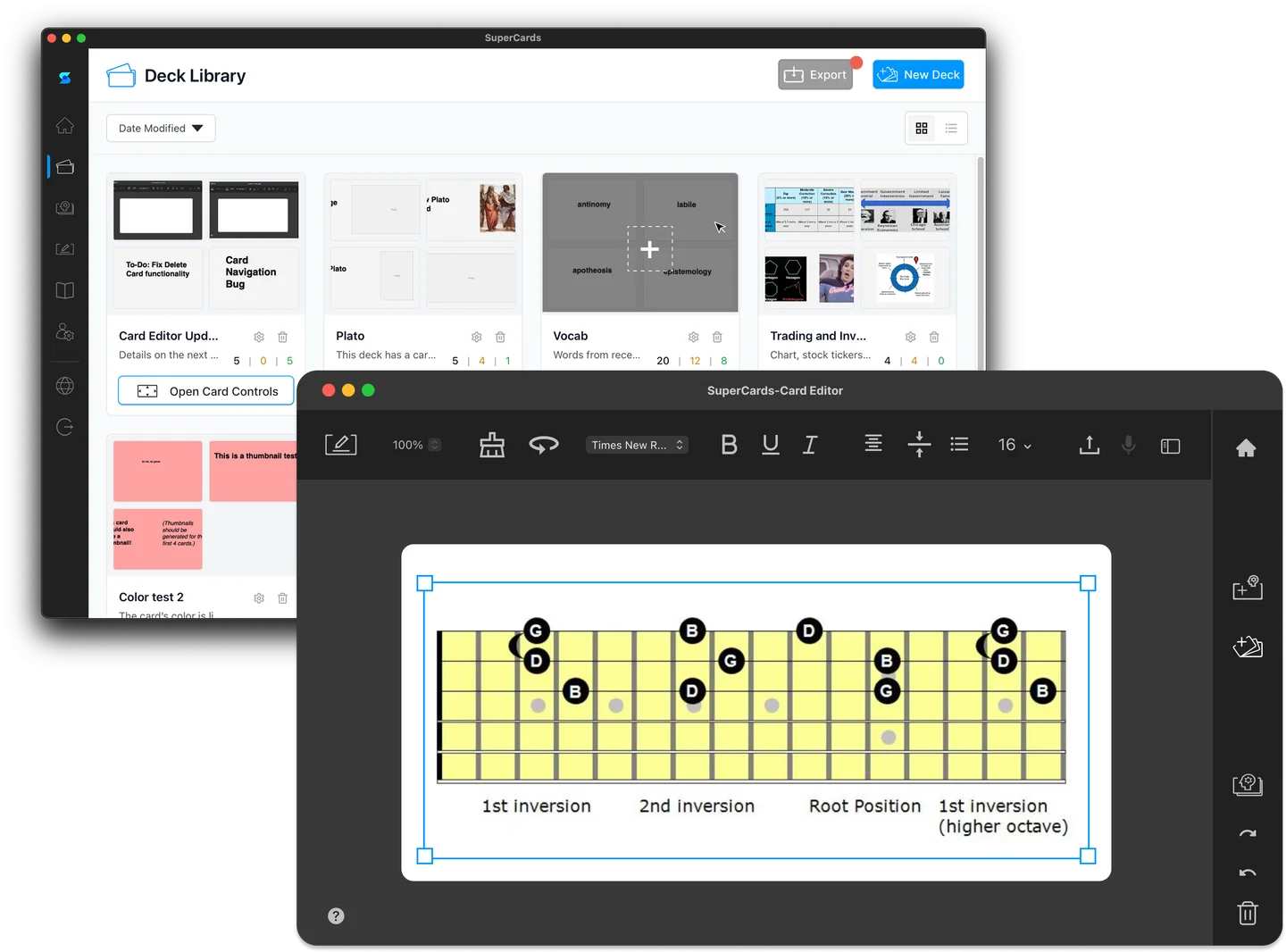
Powerful desktop authoring
The SuperCards desktop app gives you all the tools you need to create beautiful, effective flashcards. Add images, format text, and organize your decks with an interface inspired by your favorite creative apps.
View system requirements →Focused mobile study
Study Mode on iPhone is designed for distraction-free learning. Horizontal cards, gesture controls, and an immersive interface capture the simplicity and effectiveness of paper notecards while blocking out distractions so you can focus on the material in front of you.
Explore study techniques →
Why SuperCards?
Mobile-optimized
Cards are designed on desktop to look perfect on your iPhone screen.
Gesture-driven
Swipe, tap, and flip cards naturally with intuitive touch controls.
Powerful tools
Screenshot capture, drag-and-drop, and rich formatting make card creation fast.
Frequently Asked Questions

Is SuperCards really free?
Is SuperCards really free?
What devices does SuperCards support?
What devices does SuperCards support?
How do I sync decks between devices?
How do I sync decks between devices?
What other features do you have planned?
What other features do you have planned?
Why can't I create cards on the mobile app?
Why can't I create cards on the mobile app?
Stay updated
We don't send out many emails, but if we do you'll get one