
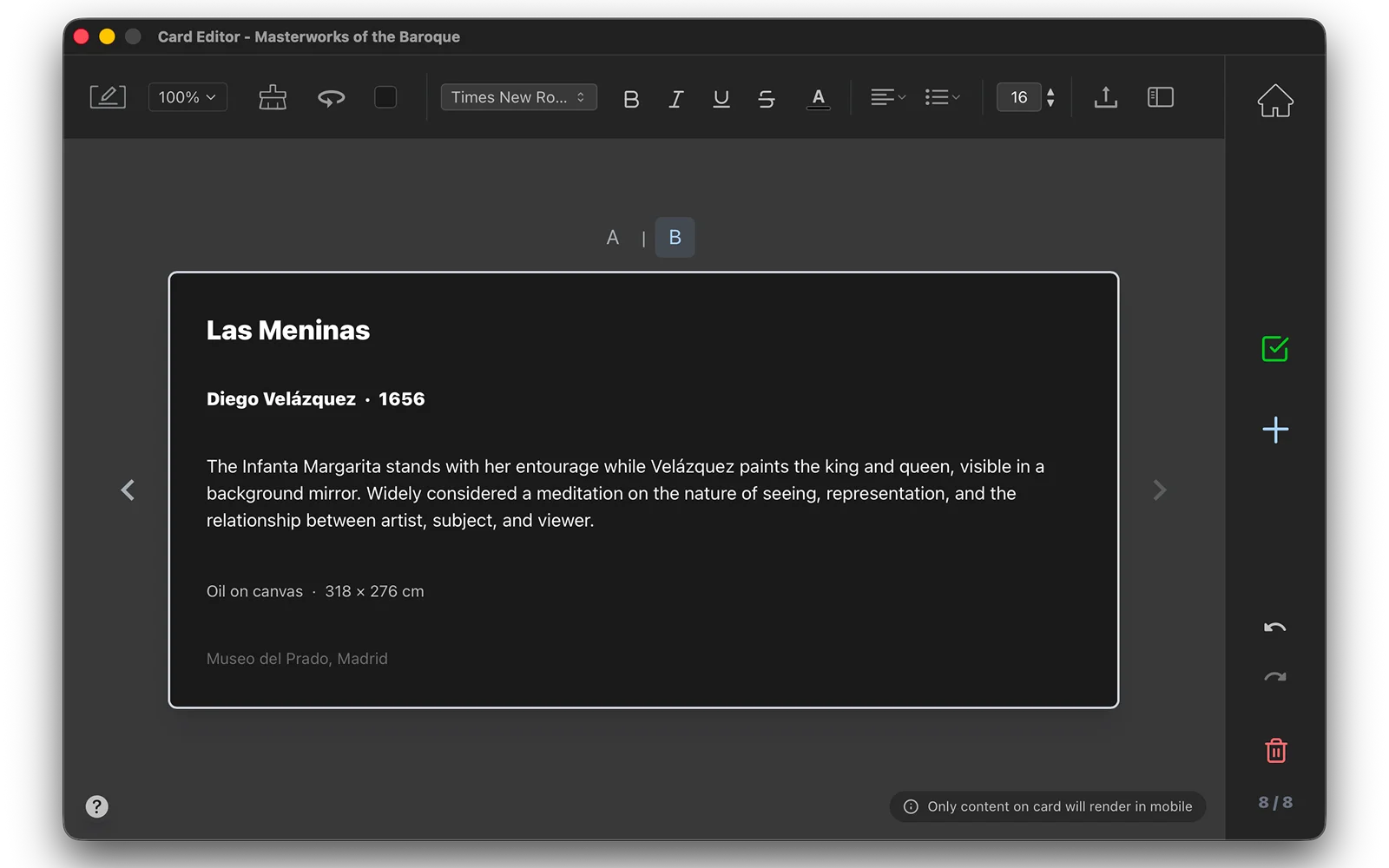
Think big! The desktop card editor supports rich text, images, inline markdown, code, and math.
Create rich, mobile-optimized notecards on your Mac and review them anywhere on your iPhone.
Free for Apple Silicon Macs running macOS 14.0 (Sonoma) or later.
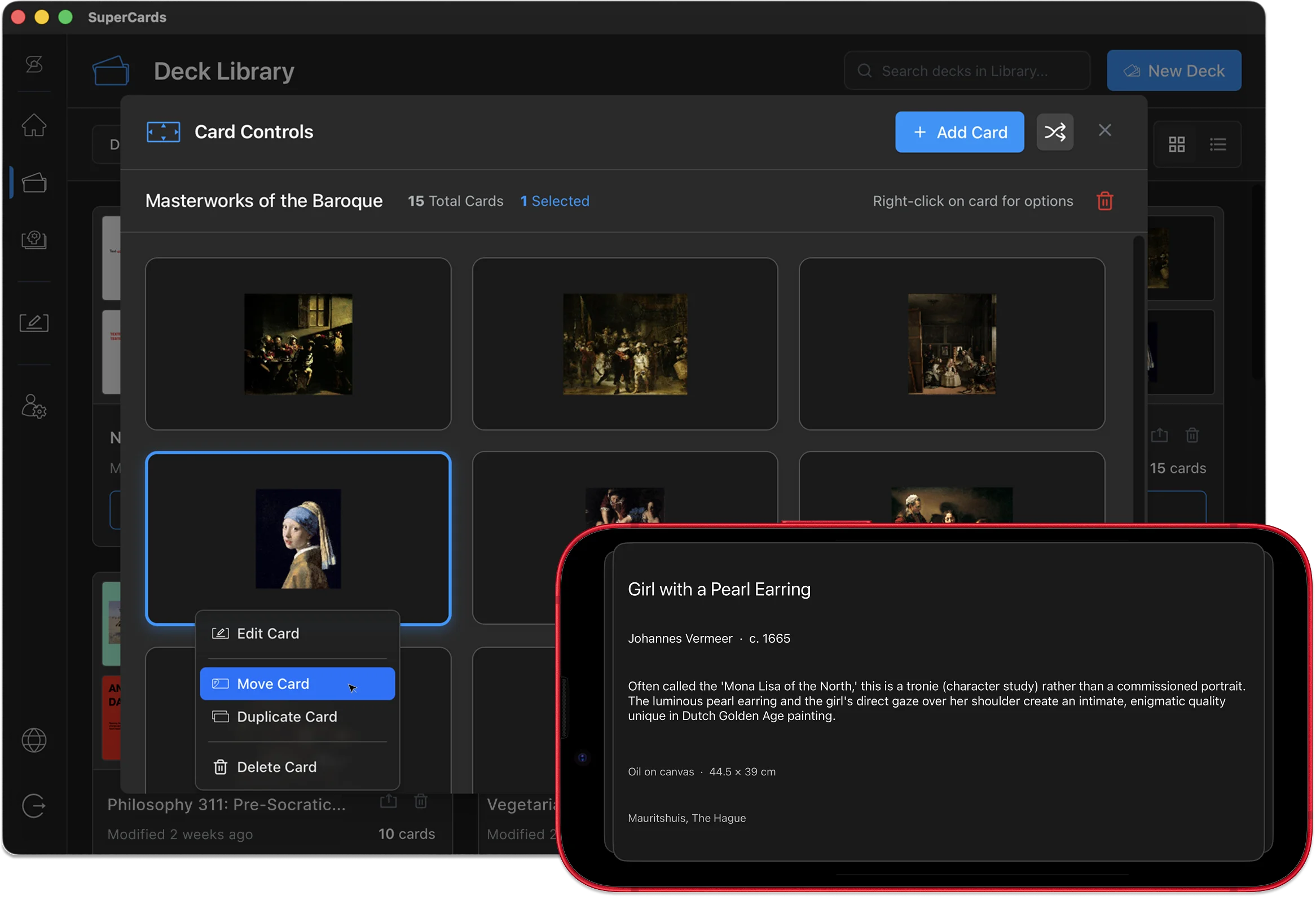
SuperCards is built to help you think. Use it to absorb new ideas, remember what's important, or turn information into knowledge.
Create cards as simple or as rich as the subject matter demands.
Sync your decks across devices with iCloud, or share them like any other file.
Review your decks on your iPhone with native gesture controls.
Automate deck creation by using SuperCards with your favorite AI-powered tools.
Make cards from scratch on a pixel-perfect canvas that supports a variety of media types, and import decks generated by LLMs or shared by others.
Take your decks with you and flip and swipe through cards with smooth gesture controls in a mobile interface designed to block out distractions.
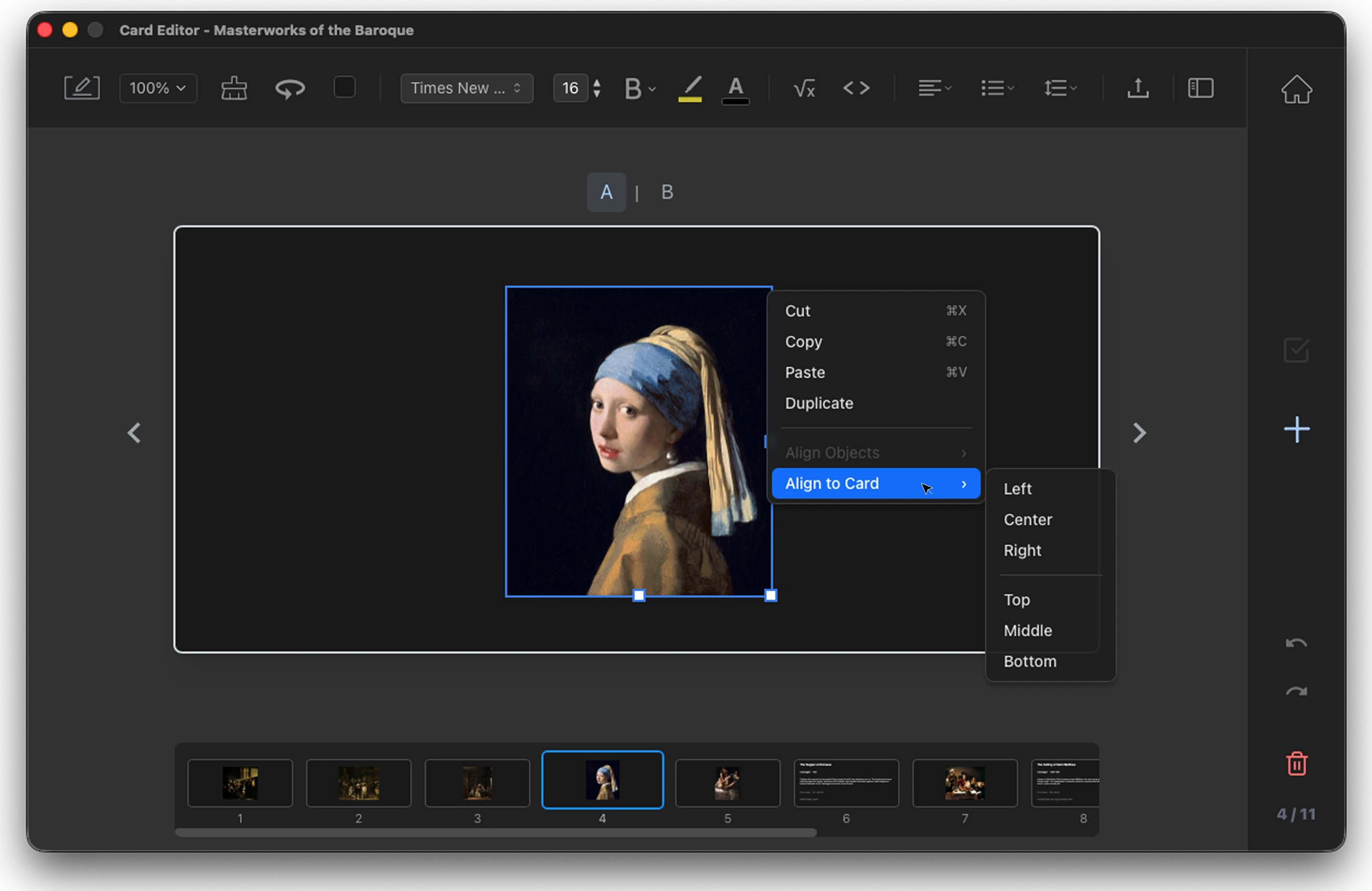
What you create on desktop is what you'll see on mobile. SuperCards is free to use. How you use it is up to you.
Think big! The desktop card editor supports rich text, images, inline markdown, code, and math.
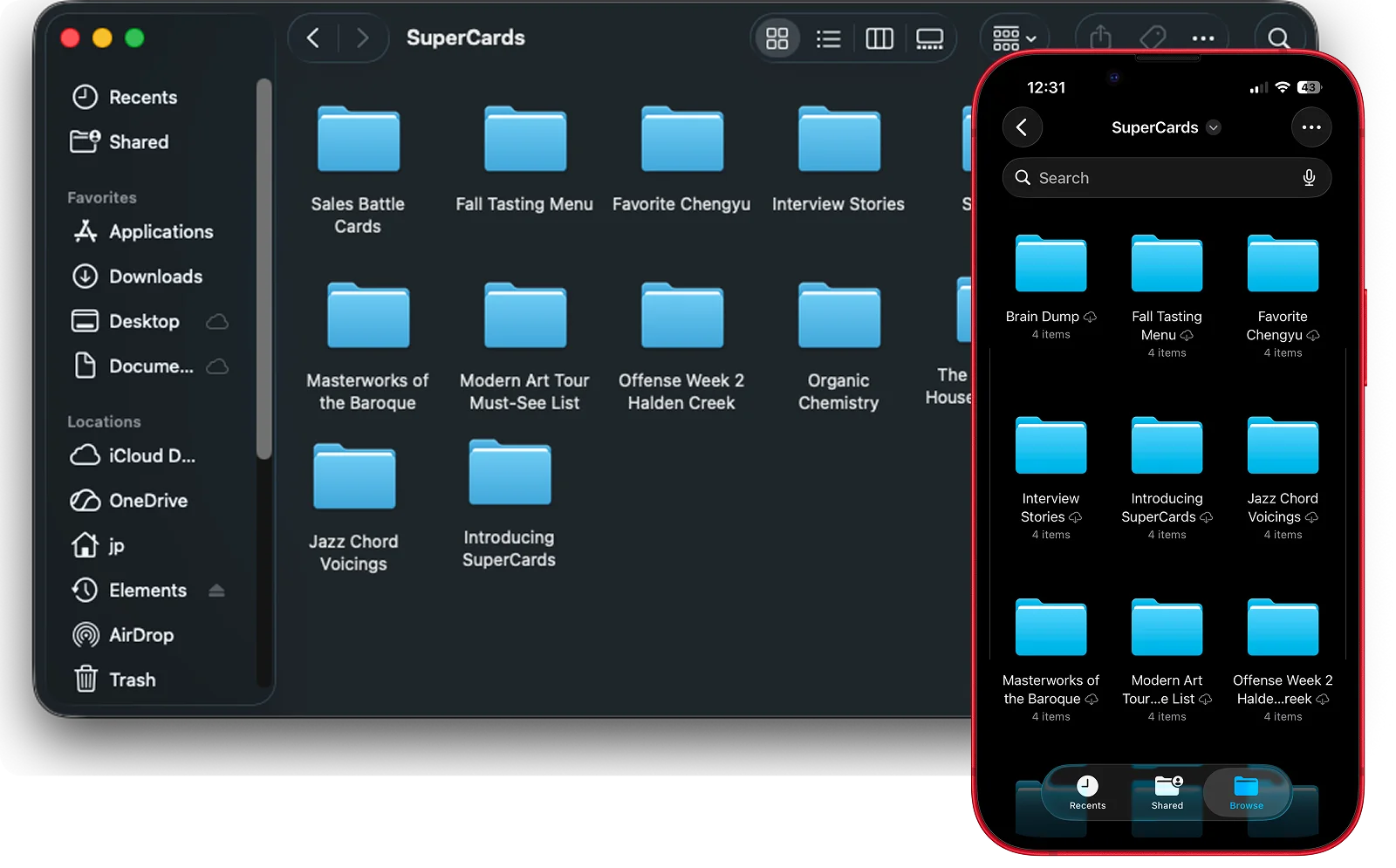
No accounts, no servers, no feeds — your decks live in plain files you own, on your devices.
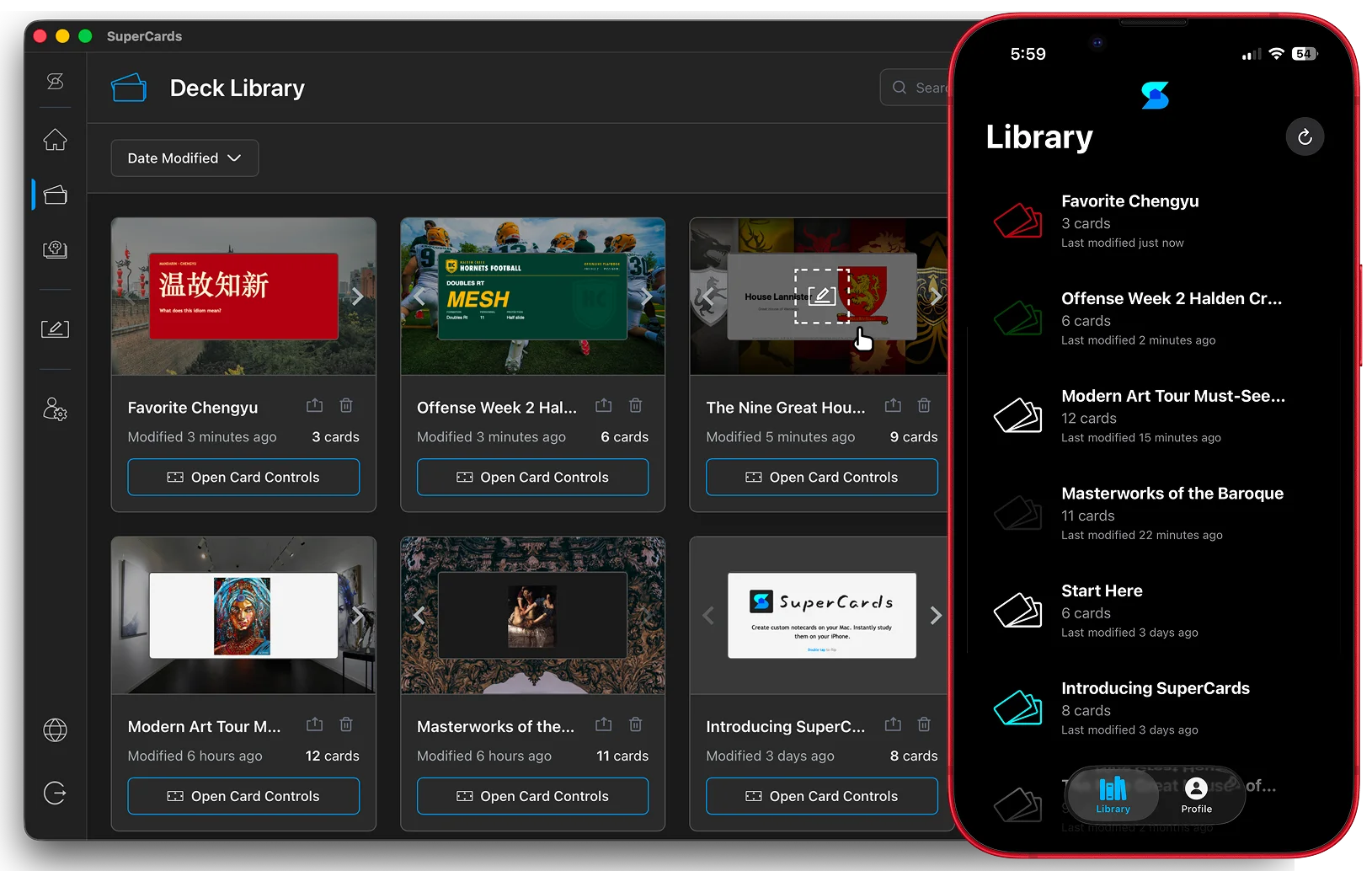
Sync decks manually or keep your entire library synced across your devices automatically via iCloud.
Keep your favorite note-taking system. SuperCards is a note-remembering system.